Openers · Woolwich
Smart Garage Controller Setup
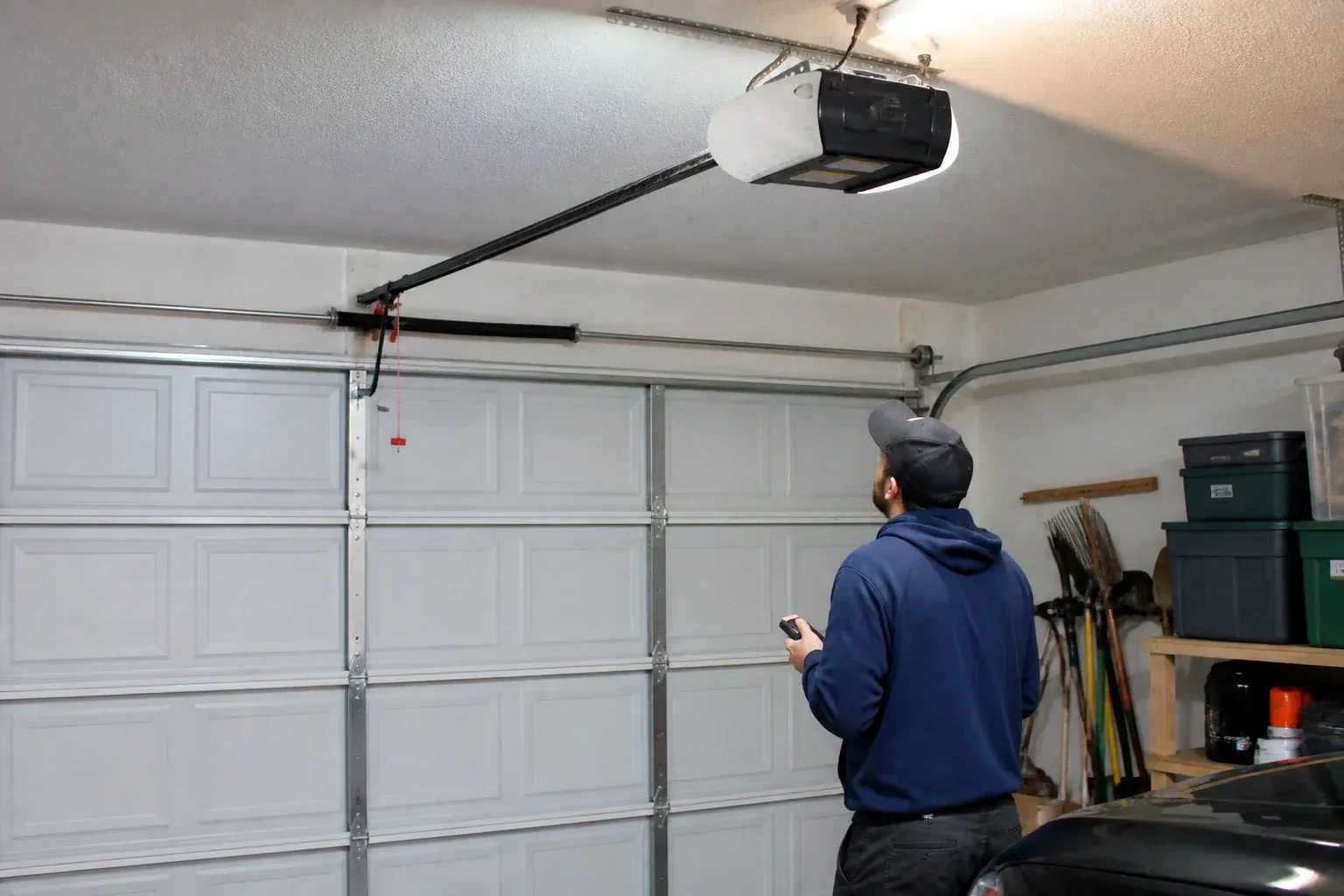
There is a wireless symbol printed on the opener above the car, and the manual mentions an app, but the head unit has never been connected to anything.
In plain words
The account is the part of the install that lives longest, so it is set up in your hands rather than the technician's. You choose the email and password, you pick the recovery method, and you type them yourself while the technician guides you through the screens. Once the hub is on your network you name the door, decide which alerts you want, and invite the people in your household as users under your control. If the house came with a controller tied to a seller's account, it is reset and claimed fresh. The technician leaves with no login to your system, and you leave holding every key.
How the visit goesIt is February. You come down in the morning and the garage door has stood open all night; the car is frosted inside, the furnace has run without a pause, and the pipe in the shared wall is your first worry. Nobody knew, because nothing told anyone.
Smart Garage Controller Setup
How the visit goes
Whether the radio is already inside
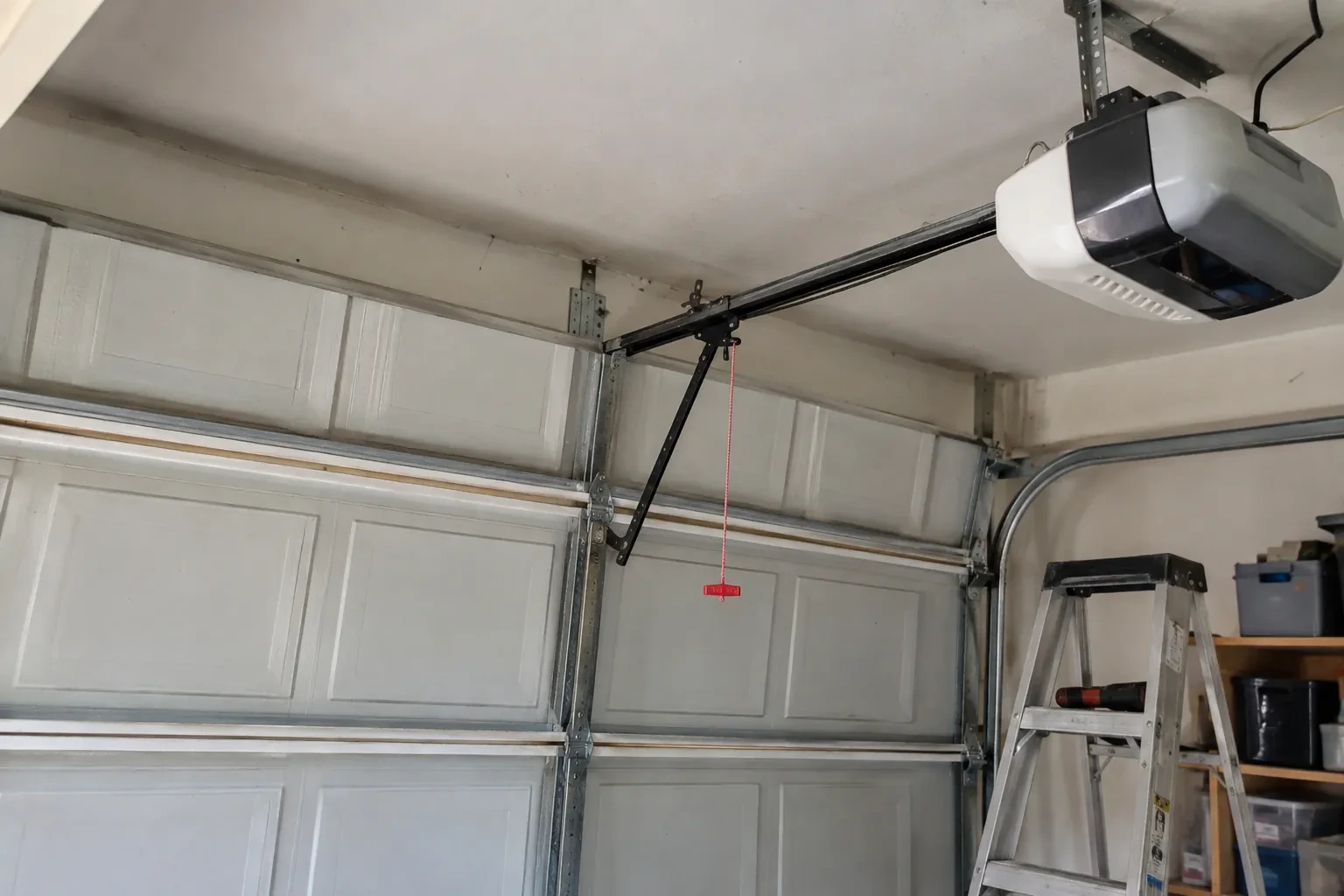
Many openers sold in the last several years already contain a wireless radio, and the check is simple: a network symbol printed on the head unit, a dedicated indicator light, or a mention of an app in the manual. When the radio is built in there is no hub to mount and no sensor to fit; the opener itself reports door position from its own travel sensing. The technician confirms the radio has not been paired to a previous owner's account, notes the serial number the app will ask for, and checks that the unit's firmware is a version the current app still supports. If so, the job becomes configuration rather than installation.
Switching on a built-in radio
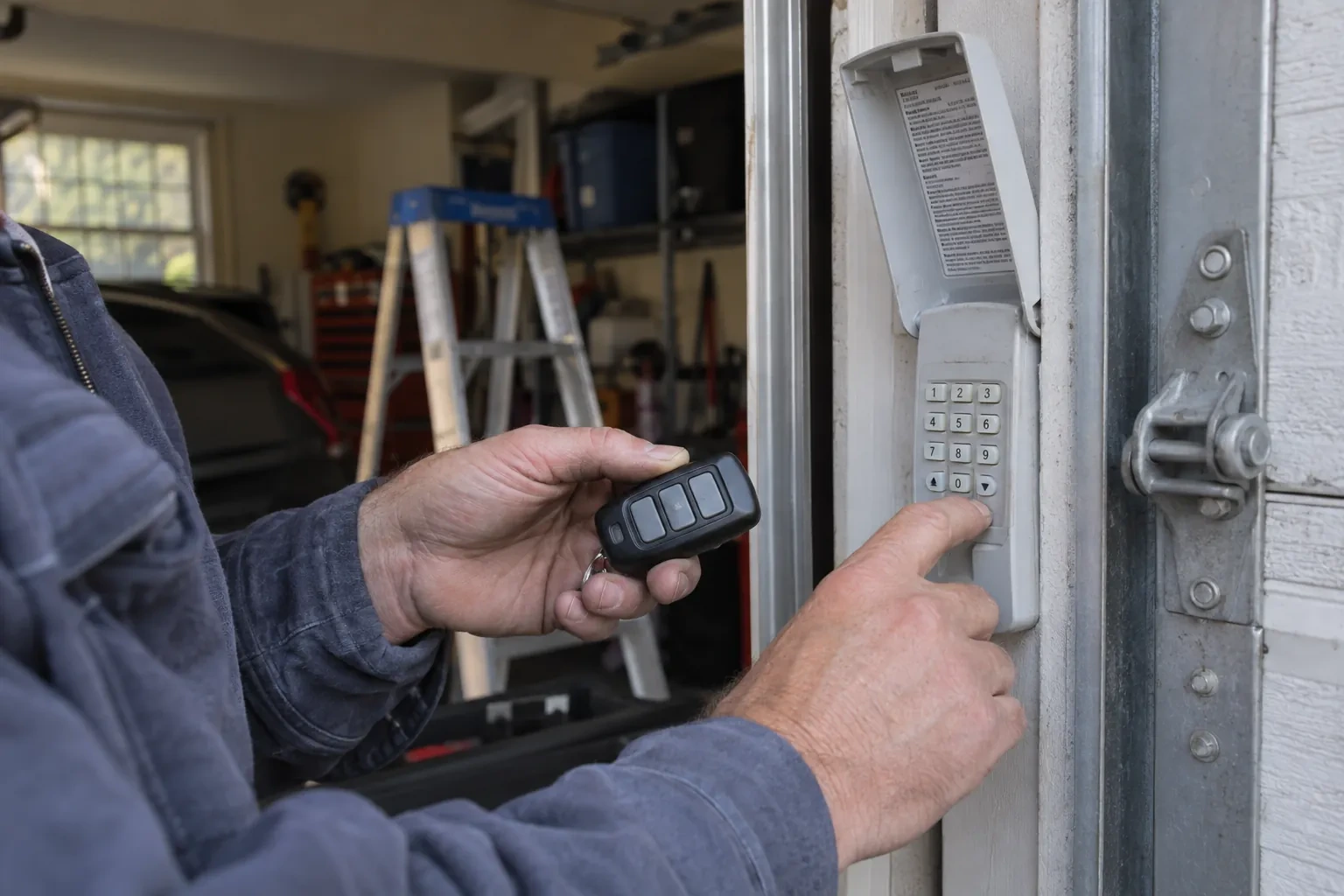
When the opener has its own wireless radio, the work is mostly done at the head unit. The technician puts the opener into its pairing mode, usually by a button press or a sequence on the wall console, which broadcasts a temporary network the phone can see. Through the app the owner selects the home network and enters its password; the opener joins, its indicator turns steady, and the serial number from the label registers the device to the owner's new account. The technician then runs the door from the app and from the wall button to confirm position reporting matches the real door, and applies the firmware update the app offers before moving on to alerts and users.
Keeping the account yours
The controller is now a door key that lives in an account, so the account gets the same care as a key ring. Keep the password unique to this service and stored in a password manager, turn on two-step verification if the app offers it, and look at the user list every few months. When a cleaner finishes, a tenant moves out or a relationship changes, their access is removed in a few taps. If a phone is lost, signing out of all devices from the account settings closes that door too. None of this needs a technician; the visit ended with you shown exactly where each of these controls lives.
Smart Garage Controller Setup
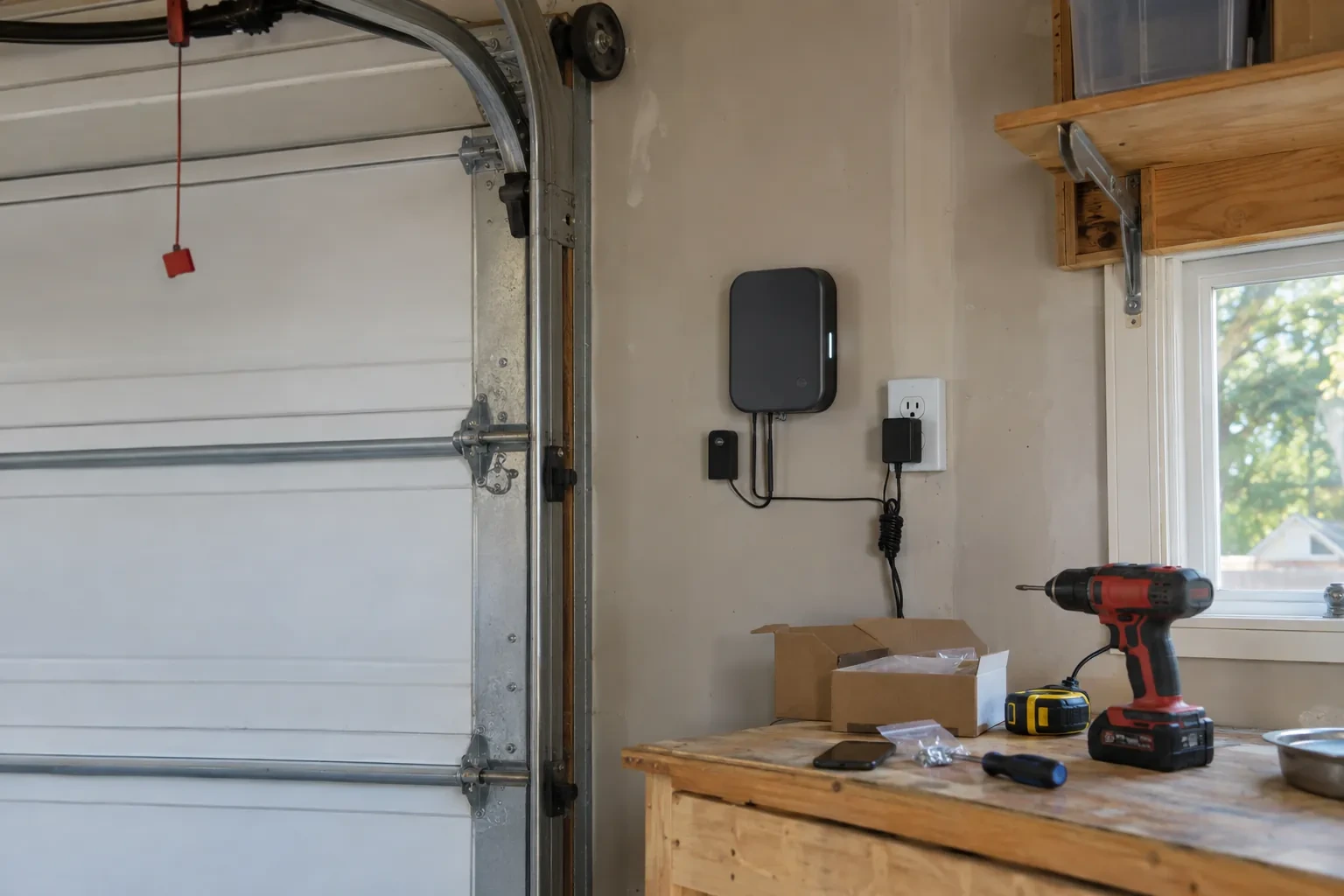
In the van
Retrofit smart hub
Receptacle splitter with approval mark
Door-position tilt sensor
Lithium coin cell or cylindrical cells
Wi-Fi access point or extender
Smart Garage Controller Setup
What affects the quote
Built-in radio or retrofit hub
An opener whose wireless radio is already inside needs configuration and testing. An older opener needs a hub, a sensor, wiring or radio pairing and the same testing, which is a longer visit with hardware.
Door and opener condition
A heavy, binding or badly balanced door is corrected before a controller is added. That door-side work, from rollers to spring adjustment, is quoted on its own.
The opener's generation
Some openers accept a two-wire connection at the wall-control terminals; others use encrypted consoles and need radio pairing or a small adapter between hub and opener. The learn button and label decide which.
What to have ready
- Is there a spare socket in the ceiling receptacle the opener uses?
- Is there an existing controller on the ceiling from a previous owner?
- What colour is the learn button under the opener's light cover?
Smart Garage Controller Setup: questions
QuestionsMy opener already has a wireless symbol on it. Do I still need a hub?
Probably not. An opener with a built-in radio needs only to be put into pairing mode, joined to your network and registered to your account; it reports door position from its own travel sensing, so no separate sensor is required either. The visit becomes configuration and testing rather than installation. The technician also checks that the unit has not been left tied to a previous owner and that its firmware is current.
What batteries does the sensor take, and how long do they last in a cold garage?
Most sensors take a coin cell or a pair of small cylindrical cells, specified by the maker. In a heated garage a battery commonly lasts a year or two; in an unheated one, expect less, and choose a lithium cell over alkaline because it holds its voltage in the cold. The app warns you as the battery runs down, and replacing it takes a moment and a fresh cell.
How long does the setup take?
A built-in radio that only needs pairing and an account is the shorter visit. A retrofit hub with wiring, a sensor and network work takes longer, and adding an access point for a detached garage or correcting photo eyes first adds to it. The testing at the end, every control plus the safety tests, is never rushed. You are told where things stand once the compatibility check is done.
Related services
- Chain-Drive Opener RepairThe door opens about a third of the way and stops.
- Belt-Drive Opener RepairIt is minus twenty in the detached garage and the door climbs in jerks, the belt stiff as a board.
- Garage Door Opener ReplacementThe bedroom above the garage shakes every morning at six when the chain drive fires up.